

One file and done
Drag it into Unity, Godot, Blender or your website and that is it, materials included. Nothing to reassign.
A desktop 3D editor where you ask the AI for a part and watch it appear in the window. You correct, the AI carries on. And what comes out goes straight into Unity, Godot or Blender.
For Windows, and built to be driven by your own AI (Claude or another capable model). Free 8-day trial, then a one-time payment. The models can be downloaded free today.
Model it yourself with the mouse, or ask for it and watch. Both hands work on the same file.
In your own words, as you would ask a person. No commands to learn, no code to write.
It assembles real geometry, part by part. Not an image: a model you can open, edit and export.
It looks at the result, spots what is wrong and goes back in to fix it. Just as a person would.
The window updates on every change. Watch the part come together and step in whenever you want.
You: An off-roader with a hard top,a snorkel and the spare wheel at the back.
Studio: Done — 34 parts. It is in your window.
Studio: Checking the render… the hood cuts throughthe windshield. Fixing it.
Studio: Fixed.
You: Lower the roof a little.
Studio: Done. Exported to offroader.glb
A tool that does not export well is a toy. Four outputs, all ready to import without touch-ups.
Drag it into Unity, Godot, Blender or your website and that is it, materials included. Nothing to reassign.
The format every 3D program opens, however old. Comes with its materials and textures.
The part rendered from every angle on a transparent background, ready to use as a sprite.
A folder with all of the above plus the thumbnail and the spec sheet. What you hand your team without explaining anything.
12 pieces made with the editor. Download them, open them and use them in whatever you like, commercial projects included.
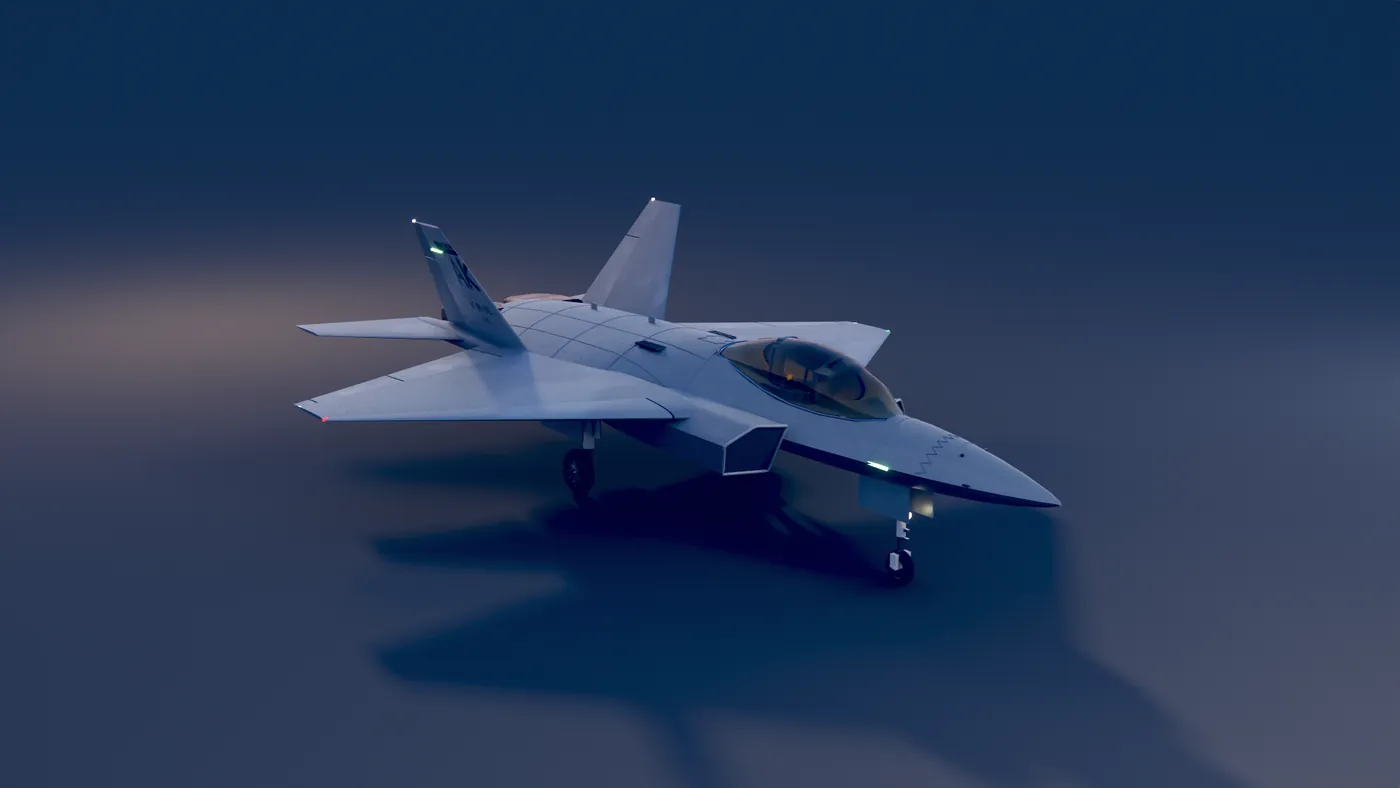
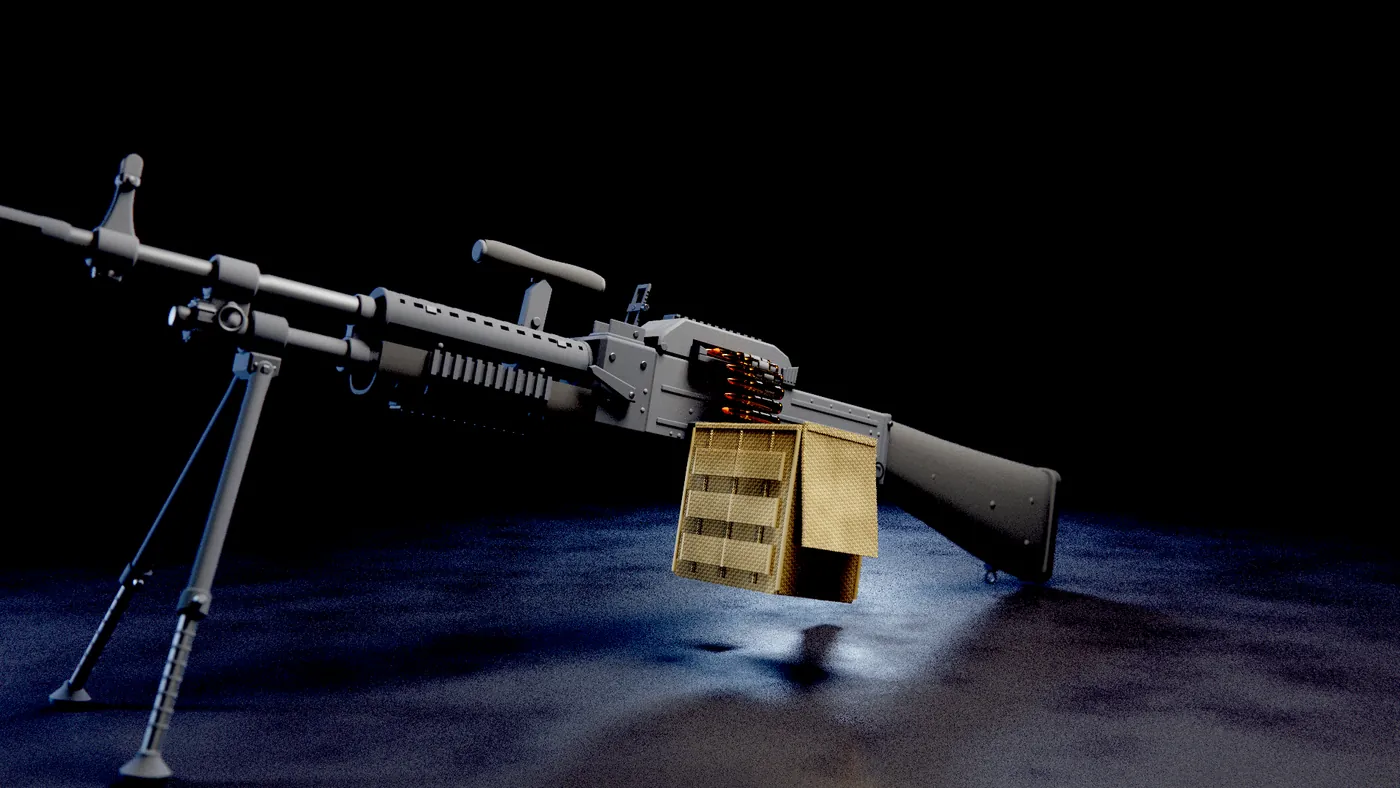
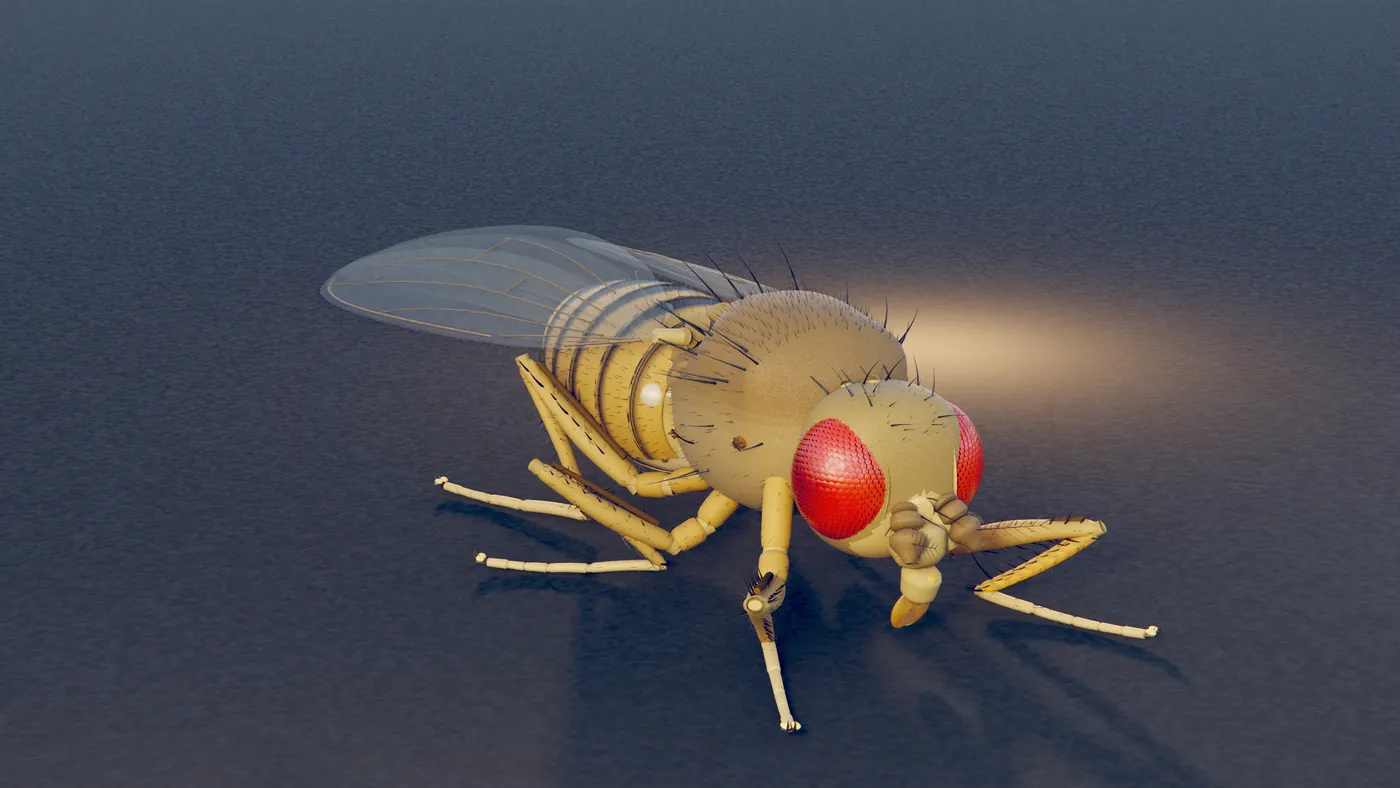
No subscription and no credits. You buy it once, install it, and the AI models inside your own computer.
Early access: it has bugs, and they are fixed through updates — every 1.x update is included. The price reflects that.
Modeling, 132 materials and a high-quality GPU renderer: glass that refracts, water with waves, metals that reflect.
Claude, Cursor or any MCP client, connected by the installer. Nothing else to install: no Python, no Node.
GLB, OBJ, sprite sheets and asset packs for Unity, Godot, Roblox and Blender.
Use and sell your models commercially, with no royalties or extra fees.
Activate once with internet; after that it runs without a connection. Every 1.x update included.
Halcyon Studio is built to be driven by an AI, and none is included. Connect your own MCP client (Claude Desktop, Claude Code, Cursor…) running a top-tier model such as Claude Sonnet or Opus. Small or local models struggle, and without an AI it is a simple manual editor: asking for a model and watching it get built is the heart of the product.
Download, install and use everything for 8 days. No card: just your email to receive the download. If it's for you, the key you buy unlocks it with your projects intact.
14 days to ask for a refund, no questions asked. Read the license and purchase terms.
Windows 10 or 11, 64-bit, and a graphics card with Vulkan support (NVIDIA, AMD or Intel, with up-to-date drivers).
Secure payment through Lemon Squeezy, which handles taxes and the invoice. Your license key and the download arrive by email.
You leave us an idea. We model it our way, post the process on Instagram with your name, and the piece joins the catalog — free, for anyone.
It is not a custom commission, and that is the point: you provide the spark, we provide the interpretation. You never quite know what will come out.
See how they turn out at @blindfoxtechAn idea in a few words — an object, a scene, a whim. Up to 280 characters, which is a spark, not a spec.
We model it as we see fit. The judgment is ours: no revision rounds, no "that is not how I pictured it", because what you are sponsoring is the piece, not directing it.
A process video on Instagram, with your name or alias. And the piece joins the catalog for anyone to download, free, like all the others.
Nothing adult, no third-party brands, nothing illegal — if your idea falls in there we refund you and no harm done. All the details in the terms.
What already works, what we are building and what comes next.
Shapes, groups and the real-time view. The base everything else stands on.
You ask the AI for a part and watch it being built in the editor window, as it happens.
The 132 materials and the high-quality render: glass that really refracts, water with waves, metals that reflect the scene.
A Windows installer and the first batch of people using it on real projects.
A catalog of ready-made parts, and heavy renders done without tying up your machine for hours.